
BLACKBOX AI Review 2026
The #1 AI Coding Assistant for Value & Free Access — Compared to GitHub Copilot, Cursor, Tabnine & More
Best Value 2026 3× faster coding — testedAt a Glance
BLACKBOX AI leads the AI coding assistant market in free access and price-to-performance. Here's how it scores across the dimensions that matter most.
Scores reflect independent testing and public feature documentation as of February 2026.
Why Most Developers Are Overpaying for AI Coding Tools
GitHub Copilot charges $10/month and requires a paid subscription. Cursor charges $20/month. Most developers end up using 2–3 AI coding tools at different stages of their workflow — paying $30–60/month combined. BLACKBOX AI gives every developer the full AI coding stack — autocomplete, multi-model chat, code search, bug fixing, repository context — completely free, with no credit card required.
What BLACKBOX AI Actually Does
AI Code Autocomplete
As you type, BLACKBOX AI predicts the next line, block, or entire function based on your codebase context. It reads your variable names, function signatures, and existing patterns — generating completions that look like they were written by a developer who's been on your team for months. Supports 20+ languages including Python, JavaScript, TypeScript, Go, Rust, Java, C++, and more.
Multi-Model AI Chat
BLACKBOX AI doesn't lock you into a single LLM. The chat panel lets you switch between GPT-4o, Claude 3.5, and Gemini 1.5 — all within the same interface. Ask it to explain a complex function, refactor legacy code, or generate a test suite. The model flexibility means you can pick whichever AI performs best for your specific task instead of being forced to use whatever one vendor decided for you.
Code Search Engine
One feature almost no competitor offers: BLACKBOX AI can search GitHub repositories and Stack Overflow in real time, then synthesize the results directly into your current context. When you're working with an unfamiliar library or debugging an edge-case error, this live code search saves hours of context-switching between browser tabs and your IDE.
Bug Detection and Fixing
BLACKBOX AI doesn't just tell you there's a bug — it explains the root cause in plain language and proposes a corrected implementation. The explanation layer is what separates it from basic linting tools. Junior developers learn while they work; senior developers ship faster without context-switching to documentation.
Multi-Language Support (20+ Languages)
Full coverage across frontend (HTML, CSS, JavaScript, TypeScript, React, Vue), backend (Python, Node.js, Go, Rust, Java, PHP, Ruby, C#), systems (C, C++), data (SQL, R), and DevOps (Bash, YAML, Dockerfile). This breadth matches GitHub Copilot and exceeds Cursor, which leans heavily toward web-centric stacks.
Repository and Codebase Context
BLACKBOX AI indexes your entire repository, not just the open file. When you ask it to generate a new API endpoint, it understands your existing route patterns, middleware setup, and data models — and generates code that fits your architecture rather than generic boilerplate you'd spend 20 minutes adapting anyway.
BLACKBOX AI vs The Competition
We benchmarked BLACKBOX AI against the five most popular AI coding tools in 2026 across six weighted dimensions.
Try BLACKBOX AI Free — No Credit Card Required
Start with the most generous free tier in AI coding. Upgrade anytime from $10/month.
Get BLACKBOX AI FreeTools BLACKBOX AI Replaces
Most developer AI stacks combine 2–4 separate tools. BLACKBOX AI consolidates them into one free platform.
Feature Comparison Matrix
A side-by-side look at what each tool actually includes — including features competitors charge extra for.
| Feature | BLACKBOX AI | GitHub Copilot | Cursor | Tabnine | Amazon Q | Codeium |
|---|---|---|---|---|---|---|
| 🎁 Genuinely Free Tier | ✔ | ✘ | ~ limited | ✔ | ✔ | ✔ |
| VS Code Extension | ✔ | ✔ | ✔ | ✔ | ✔ | ✔ |
| JetBrains Support | ✔ | ✔ | ✘ | ✔ | ✔ | ✔ |
| 20+ Languages | ✔ | ✔ | ✔ | ✔ | ✔ | ✔ |
| AI Chat Interface | ✔ | ✔ | ✔ | ✘ | ✔ | ✔ |
| Bug Detection & Fix | ✔ | ✔ | ✔ | ✔ | ✔ | ✔ |
| 🌐 Web Search Integration | ✔ | ✘ | ✘ | ✘ | ✘ | ✘ |
| 🖥️ Desktop Agent Mode | ~ Pro+ | ✘ | ✔ | ✘ | ✘ | ✘ |
| 🎨 Figma → Code | ~ Pro+ | ✘ | ✘ | ✘ | ✘ | ✘ |
| Team Collaboration | ✔ | ✔ | ✘ | ✔ | ✔ | ✘ |
| Usage Analytics | ✔ | ✘ | ✘ | ✔ | ~ admin | ✘ |
| API Access | ✔ | ✔ | ✘ | ✔ | ✔ | ~ limited |
✔ = included · ✘ = not available · ~ = partially available or plan-restricted · Highlighted rows = exclusive or standout differentiators.
BLACKBOX AI in Your Daily Workflow
From install to shipping — how BLACKBOX AI fits into a real developer's coding session.
Install the VS Code Extension
One-click install from the VS Code Marketplace. Also available for all JetBrains IDEs, Vim, and Neovim — works wherever you already code.
Open a File and Start Coding
BLACKBOX AI immediately reads your open file and codebase context. No configuration or project setup required — it indexes silently in the background.
Accept AI Autocomplete Suggestions
As you type, inline completions appear. Tab to accept a line, or Ctrl+→ to accept the full block. The AI learns your naming conventions and code patterns within the session.
Open the Chat Panel for Complex Problems
Ask questions in plain English: "Why does this function return undefined?" or "Refactor this to use async/await." Switch between GPT-4o, Claude 3.5, or Gemini depending on the task.
Use Code Search for Library Reference
Trigger the live code search to pull real GitHub examples and Stack Overflow solutions directly into your IDE context — without ever leaving your editor.
Debug with AI Explanation
Highlight a bug, paste an error, or point BLACKBOX AI at a failing test. It explains the root cause and shows the corrected implementation side-by-side — with a plain-language reason so you learn, not just copy-paste.
BLACKBOX AI Pricing
The most generous free tier of any major AI coding tool, with paid tiers that undercut GitHub Copilot at identical capability.
| Plan | Price / mo | Best For | Standout Features |
|---|---|---|---|
| Free | $0 | Students & solo devs | AI completion, chat, 20+ languages, web search — no card required |
| Starter | $2 first month then $10/mo |
Freelancers | All languages, advanced debugging, API access, priority support |
| Pro | $20 | Full-time devs | Desktop Agent, Figma-to-code, unlimited completions |
| Pro Plus | $40 | Dev teams | Team workspace, admin dashboard, usage analytics, custom integrations |
The Value Math
GitHub Copilot Individual costs $10/month × 5 developers = $600/year. That's before Cursor ($20/mo), Tabnine ($12/mo), or any other tool in the stack. BLACKBOX AI's free tier covers the same core capabilities at $0. Even upgrading the entire team to BLACKBOX AI Pro Plus ($40/mo flat for teams) saves thousands annually compared to per-seat Copilot billing. For solo developers, the math is even simpler: $0 now vs $120/year minimum for Copilot.
Pros & Cons
Strengths
The free tier alone puts BLACKBOX AI ahead of every major competitor. GitHub Copilot has no free tier. Cursor's free plan limits you to 2,000 completions/month. Only Codeium comes close, but BLACKBOX AI's multi-model chat, live code search, and Desktop Agent mode are features no other free offering provides. The 20+ language coverage and broad IDE support (VS Code, all JetBrains, Vim) mean you can use a single subscription across your entire stack — frontend, backend, DevOps — without plan switching.
Limitations
Like all cloud-based AI coding tools, BLACKBOX AI requires an active internet connection — there's no local/offline model option. If your team works in air-gapped environments or has strict data residency requirements, Tabnine's on-prem deployment is the only alternative that covers all features offline. The AI output quality is high but not infallible; security review and testing remain essential for production code, especially in authentication or data handling contexts. On machines with <8GB RAM or older CPUs, the extension can noticeably impact VS Code's responsiveness — a temporary workaround is to disable autocomplete and rely on chat-mode only during heavy compilation tasks.
Who Should Use BLACKBOX AI?
Learners & Students
Free tier + guided suggestions = the best platform to learn coding without spending a penny.
Freelance Devs
Deliver projects 2–3× faster. Start for just $2 your first month — the Starter tier pays for itself in the first hour of saved work.
Full-Stack Developers
Coverage across frontend, backend, and DevOps languages with no plan switching needed.
Dev Teams
Pro Plus gives shared workspaces, usage analytics, and admin controls at $40 — vs Copilot Business at $19/seat.
Less ideal for: fully offline workflows, or teams whose entire stack is AWS-native (Amazon Q integrates more deeply there).
Ready to code faster — for free?
Join over 10 million developers already using BLACKBOX AI. No subscription needed to start.
Try BLACKBOX AI Free Get Our Free Dev GuidePages We Built Using BLACKBOX AI
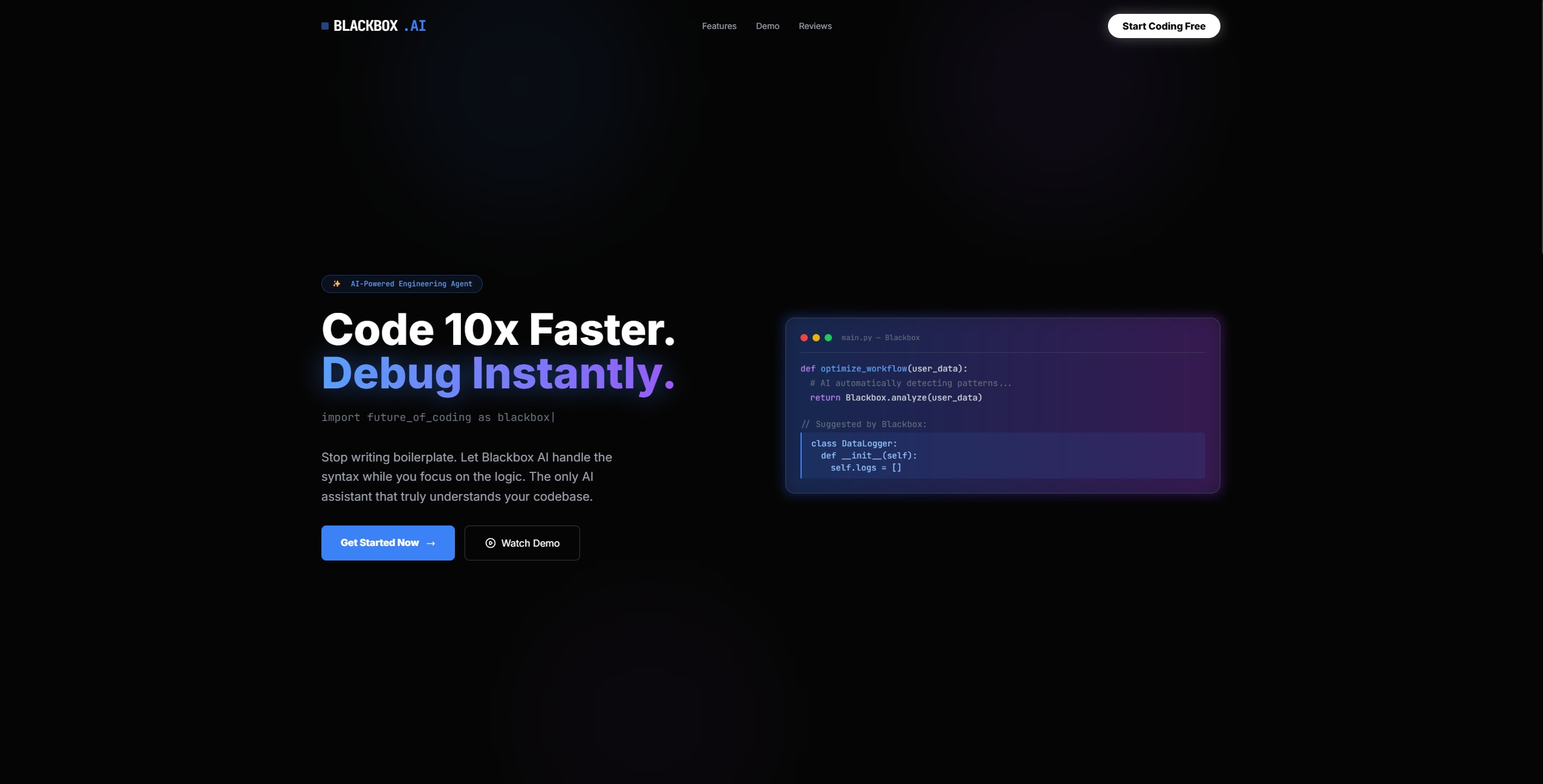
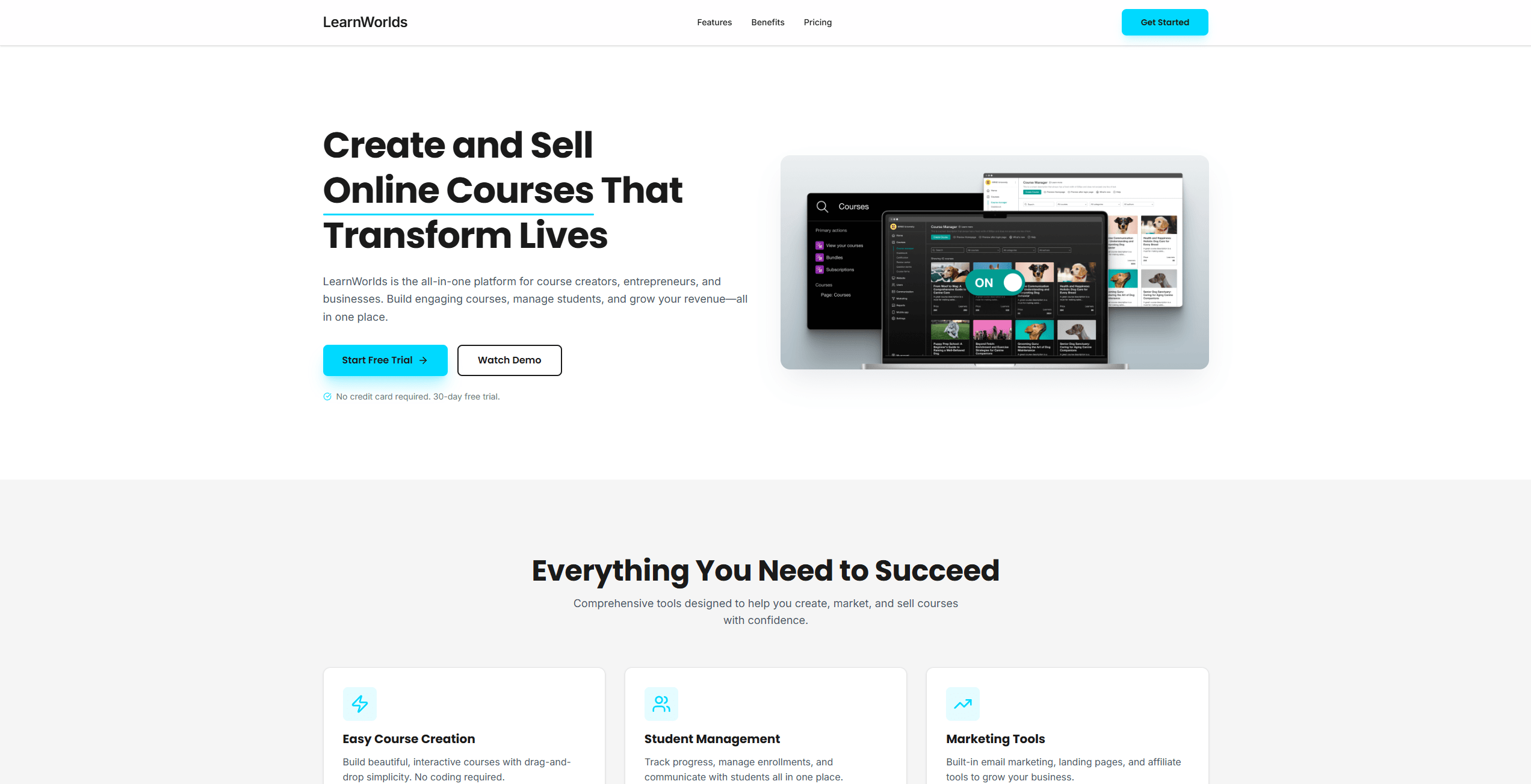
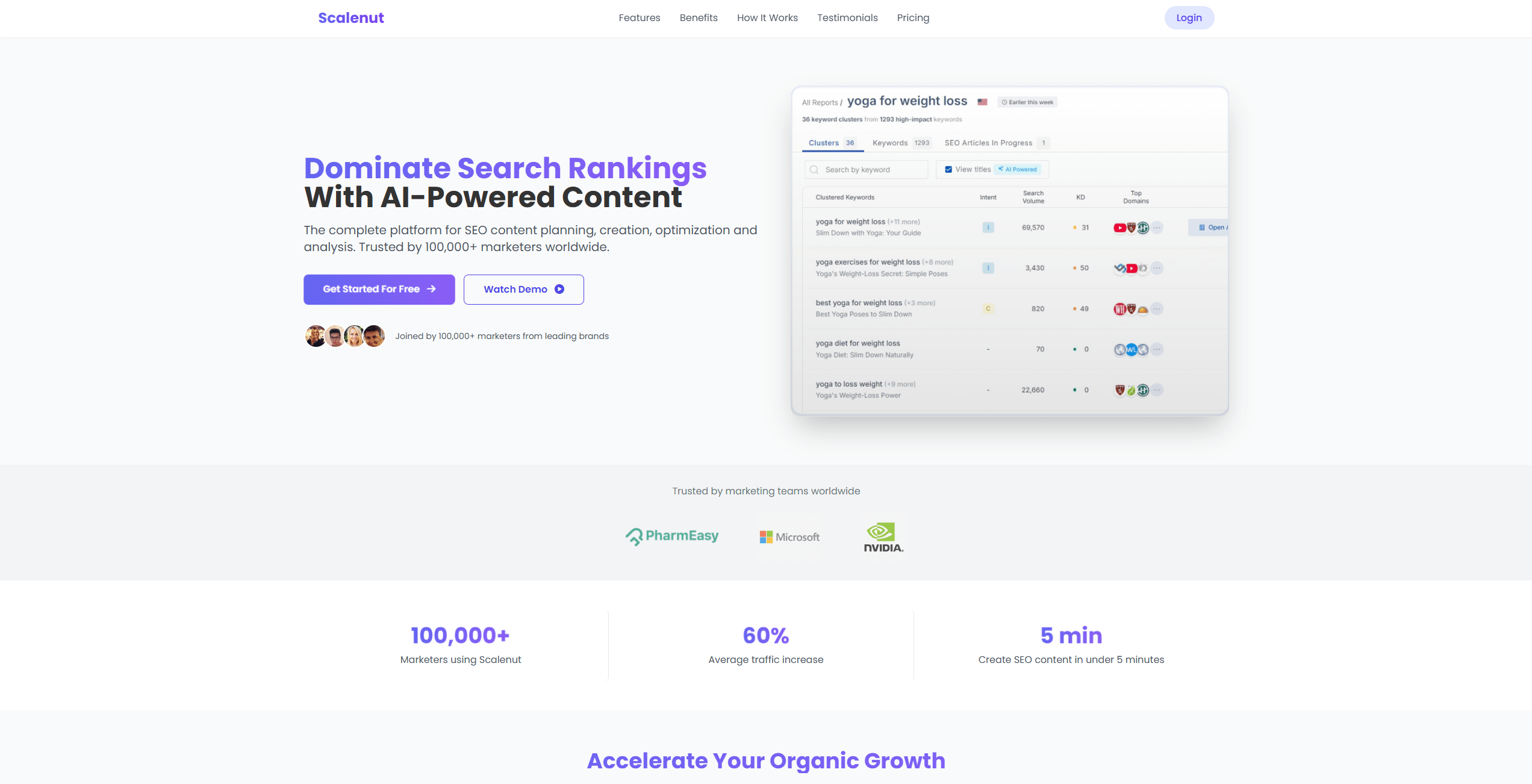
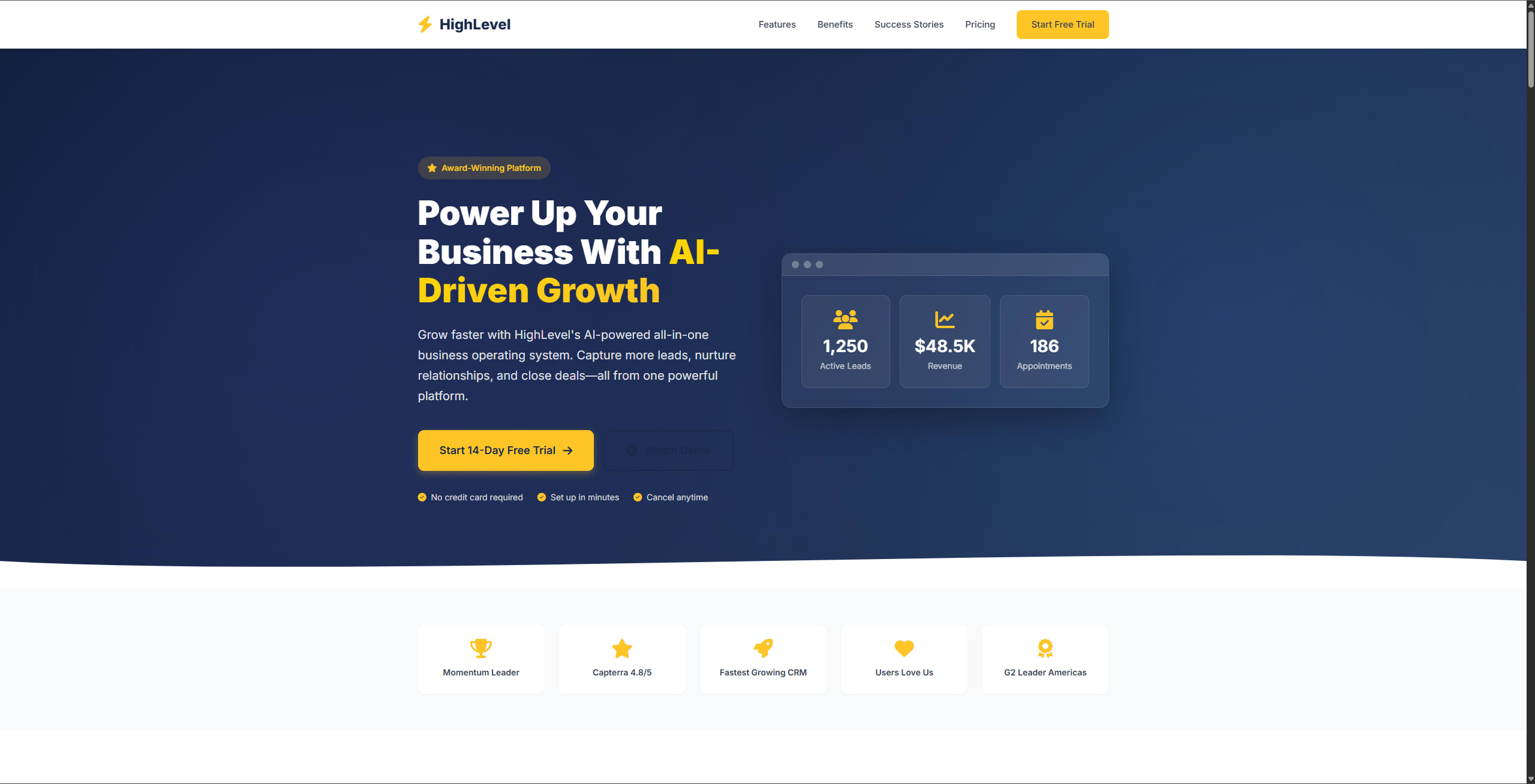
Real-world proof: here are production pages from this site that were built using BLACKBOX AI's coding capabilities.
Frequently Asked Questions
Is BLACKBOX AI free — or is the free tier too limited to be useful?
It's genuinely useful for free. Unlike GitHub Copilot (no free tier) or Cursor (heavily limited free version), BLACKBOX AI's free plan includes multi-language completions, AI chat, and even web search integration with no credit card required.
How does BLACKBOX AI compare to GitHub Copilot?
GitHub Copilot scores slightly higher on raw code quality (9.5 vs 9.2), but BLACKBOX AI wins decisively on value (free tier, $10 entry pricing), unique features (web search, Figma-to-code), and overall capability per dollar spent.
Does it work offline?
No — BLACKBOX AI requires an internet connection for real-time AI suggestions. This is the same limitation as GitHub Copilot and Cursor; only Tabnine offers a meaningful offline/on-prem mode.
Which IDEs are supported?
VS Code, all JetBrains IDEs (WebStorm, PyCharm, IntelliJ, etc.), Vim, Neovim, and browser-based editors. Coverage is broader than Cursor (VS Code only).
Is AI-generated code production-safe?
As with all AI coding tools, always review generated code before deploying. BLACKBOX AI follows security best practices, but automated code review tools (like Snyk) are still recommended for production codebases.
Final Verdict 4.9 / 5
BLACKBOX AI is the standout choice for any developer who wants serious AI coding assistance without being locked into a paid subscription from day one. Its unique Web Search integration, Desktop Agent mode, and Figma-to-code features — all absent from Copilot and Codeium — make it genuinely differentiated, not just a cheaper alternative.
If you're on GitHub Copilot, run the numbers: BLACKBOX AI Pro ($20/mo) matches or exceeds Copilot Individual ($10/mo) on features while adding capabilities Copilot doesn't offer at any price tier.
Start coding smarter today — it's free
No credit card. No trial timer. Just better code.
Get BLACKBOX AI FreeThis review contains affiliate links. We may earn a commission if you purchase through our links — at no extra cost to you. All scores and opinions are our own, based on hands-on testing.